

Your analytics should follow the choice a visitor makes. On ConsentPop.com, we hold Google Analytics until a visitor allows it. Here is what we checked in Chrome on October 15, 2026, and what to check on your own site.
Choose the behavior first
Google documents basic and advanced consent modes. In basic mode, the tag is held until consent. Advanced mode can send consent signals before consent. Decide which behavior you want and test for that behavior.
This guide covers our own Next.js site and GA4 integration. It is not a test of every tag manager, advertising tool, or website builder. Do not paste our measurement ID into your website. Use your own GA4 stream and the current integration instructions in your ConsentPop dashboard.
Our setup order
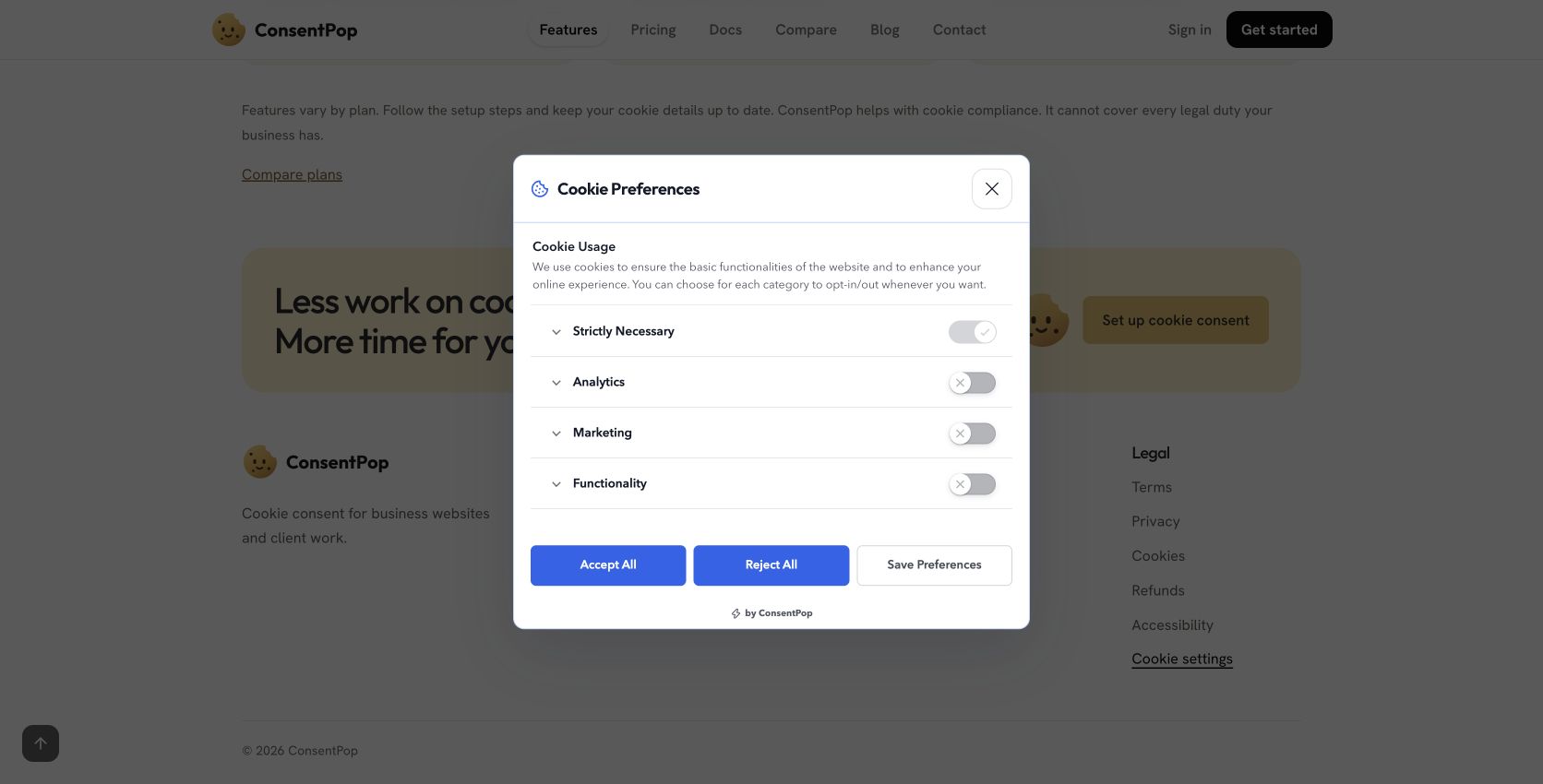
- Set analytics and advertising consent to denied before optional tags can run.
- Wait for a valid Analytics choice from the real cookie preferences dialog.
- Load the Google tag once. Keep automatic page views off when sending explicit page views for client-side navigation.
- Update consent when the visitor saves a new choice. Do not enable advertising signals just because Analytics was allowed.
- Exclude private page views and remove query strings from measurement URLs. Keep names, emails, and account details out of event parameters.
What we observed live
| Action | Observed result |
|---|---|
| Saved rejection | No Google tag or collection requests in the inspected journey. |
| Allow Analytics, leave Marketing off | The Google tag loaded. A page-view collection request received HTTP 204. Advertising signals stayed denied. |
| Navigate to Pricing | One explicit page view for that navigation. |
| Click to start signup | A signup-intent event. This was not a completed account or payment. |
| Open signup | No private signup-page view. |
| Withdraw Analytics, then navigate | No new Google collection request in that inspected step. |
GA4 Realtime showed the test page views and signup-intent event. These were quality checks, not customer demand. A collection response proves transport acceptance, not the final accuracy of every report.
What still needs a site-specific check
Test a fresh visit, acceptance, a saved choice after reload, partial consent, and withdrawal on your own site. Then change a relevant category or service on a test installation and verify the next visit. We do not claim that this guide demonstrates every configuration-change path.
Watch for duplicate tags from plugins and tag managers. Consent signals do not automatically connect every script. Some services need a shutdown action or reload after withdrawal. A new choice cannot remove data already sent.
Keep measurement limits visible
Consent-based analytics does not count visitors who decline it. Ad blockers and interrupted requests can also reduce counts. Compare GA4 with your own account and billing records before making a revenue claim.
Use the audit checklist and installation guide to check your setup.